 Prup
Prup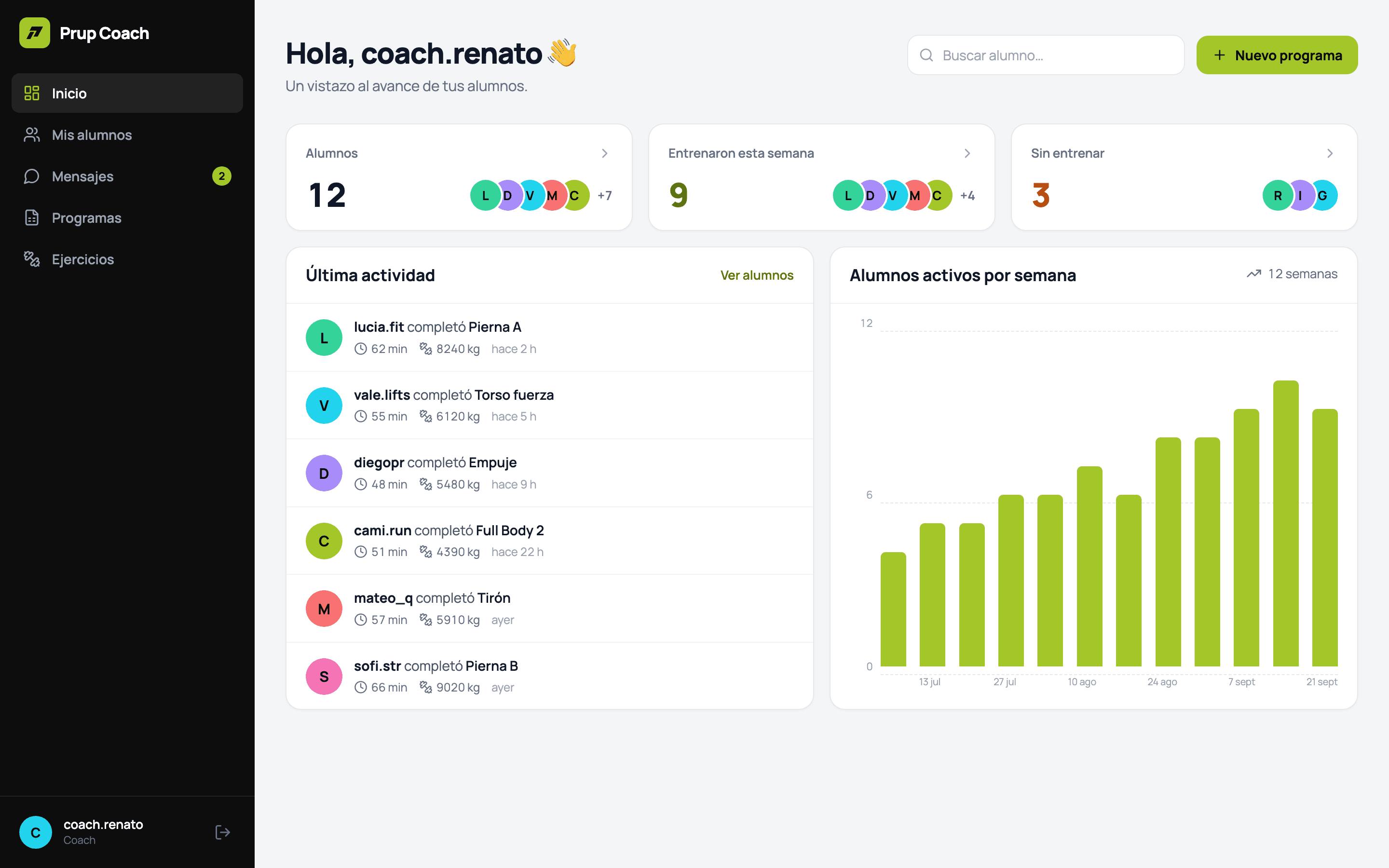
Starter
5 active clients
For taking on your first online clients.
S/ 50per month
Start 30 days freeBuild programs week by week, compare what you prescribed with what they did set by set, and adjust from data instead of memory. Every client on your roster gets Prup Pro included while they train with you.
Start from scratch, upload your spreadsheet, reuse a program or draft week one with AI. From week two on, each week starts from what the client actually did in the last one.
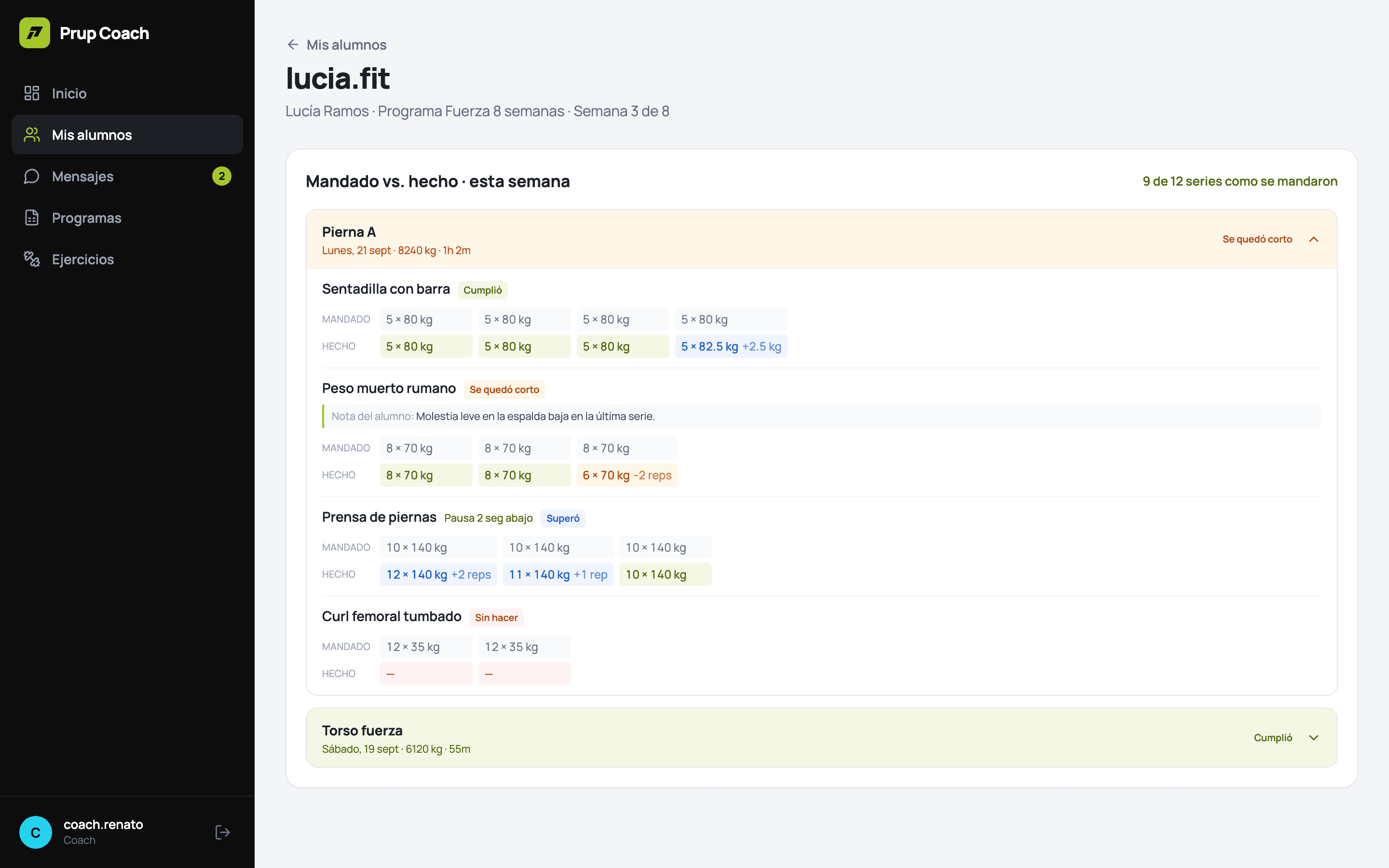
Every set you prescribed next to the one the client logged, with the gap in reps and kilos: hit, fell short, beat it or skipped.
The best set of each session over 12 weeks, with an honest label: progressing, stalled or dropping.
Sessions over 7 and 30 days against what their program calls for, and a flag when someone has gone quiet.
Effective weekly sets across 14 muscle groups against a reference band, so gaps and excess show at a glance.
Reminders that reach their phone with a read receipt, and your own technique videos per exercise or per client.
Every plan has the full panel. The only difference is how many clients you can have active at once, and every seat includes Prup Pro for that client.
5 active clients
For taking on your first online clients.
S/ 50per month
Start 30 days free15 active clients
For the coach who already lives off their roster.
S/ 129per month
Start 30 days free30 active clients
For a studio or a small team of coaches.
S/ 239per month
Start 30 days free60 active clients
For a gym that programs its members.
S/ 429per month
Start 30 days freePrices in soles, IGV (VAT) included. Billed monthly by credit or debit card, processed by Culqi. Renews every month with no commitment: cancel whenever you like and keep the plan until the end of the paid period. Cancellation and refund policy
Pick your plan, sign in with Google or your email and save your card. Nothing is charged today.
With every seat of your plan: add your clients and publish their week. Cancel from your panel before day 30 and you pay nothing.
On day 30 your plan is charged, then on the same day every month. No commitment: cancel whenever you like.
No. While they are active or paused on your roster, your plan includes their Prup Pro. They just download the free app and sign up.
An iPhone with the Prup app, free on the App Store. You work from the web panel in any browser.
You create your account, pick a plan and save your card: nothing is charged today. You get every seat of that plan for 30 days. Cancel from your panel before they end and nothing is charged; otherwise your plan is charged on day 30 and then on the same day every month. There is one trial per account and per document.
You cannot activate new clients until you free a seat — by setting someone to Inactive — or move up a plan. Nobody’s history is ever deleted.
Yes, from your panel. During the 30 free days the change is immediate. After that, moving up makes the new seats available straight away and the new price is charged from your next payment; moving down applies at your next charge.
From your panel, under Plan y pagos: cancelling takes effect at once and you keep the plan until the end of the paid period. You can also email afernandez@prup.app from your account’s address.
Questions before subscribingafernandez@prup.app